While collaborating 🤝 with multiple stakeholders, our Figma files get exposed to fellow design team members, PMs, developers, etc. When decision making happens at the stage of ideation and review phase (especially for tech-heavy company like Druva) everyone has an opinion to give. And the only way to do that is via comments on Figma.
This results in countless threads scattered across a document with no easy way to clean them up: something I call 'comment littering'. Locating them, reading them, replying to them and keeping a track of them can be pain for any designer 🤯. Feedbacks get missed, tasks go untracked, leading to more confusion and effort (several iterations and sometimes even rollbacks) on the mockups 💀. This has been a pain-points for many of my teammates as well.
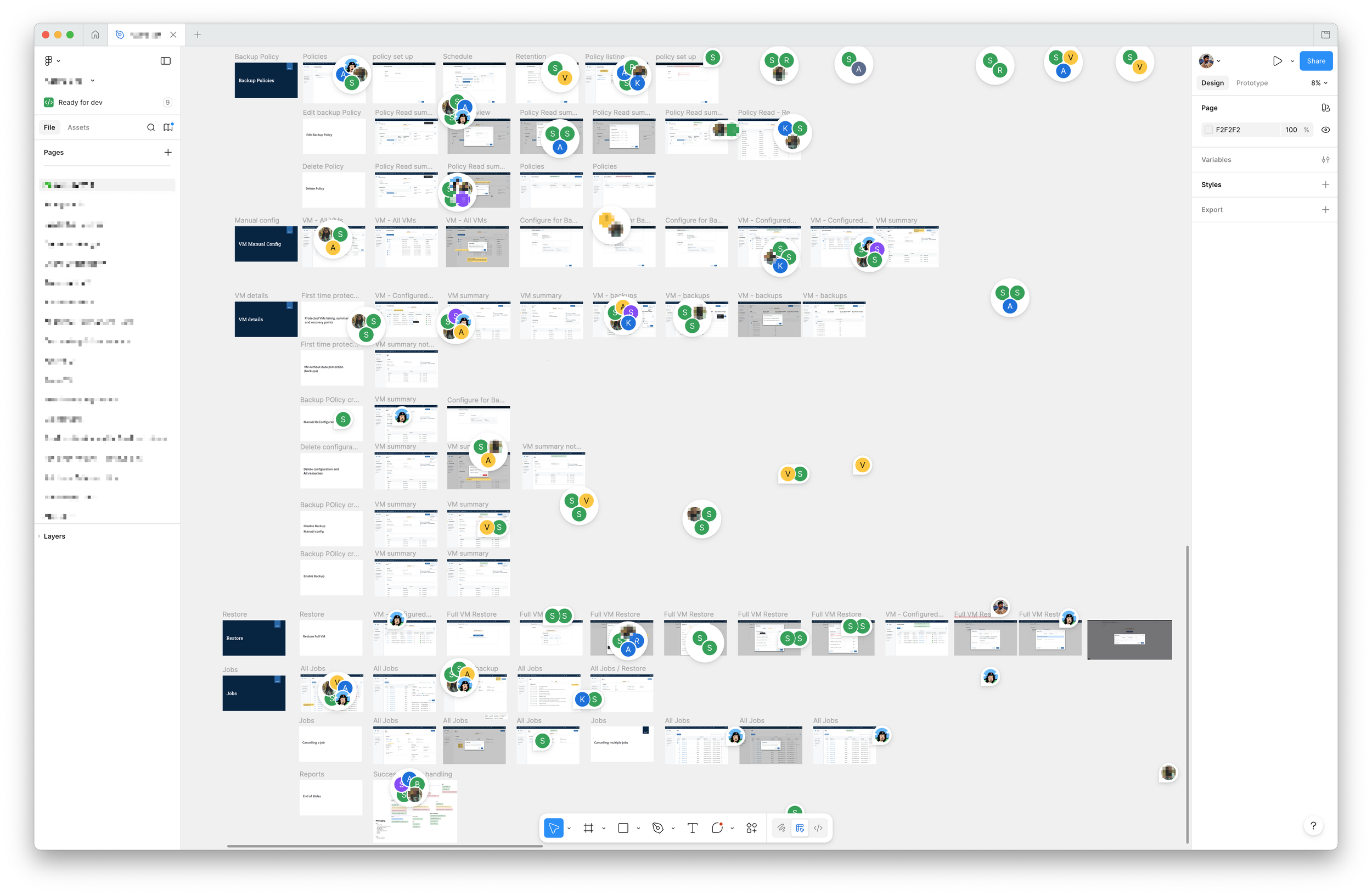
Image: Typical Figma doc with comments from multiples teams, across multiple pages for multiple versions of the project
What if there was a way to read this large amount of data and make sense of it. Derive actionable items out of it, summarize the most important tasks to focus on and help users navigate ⛵️ through the vast canvas i.e. a Figma doc. That what Bottom Line 📝 does.
Powered by AI (of your choice), Bottom Line summarizes lengthy threads into actionable digests, extracts implicit tasks from natural language, and surfaces what matters most to each user based on their role and mentions, and assigns resolution status(es!) to them.
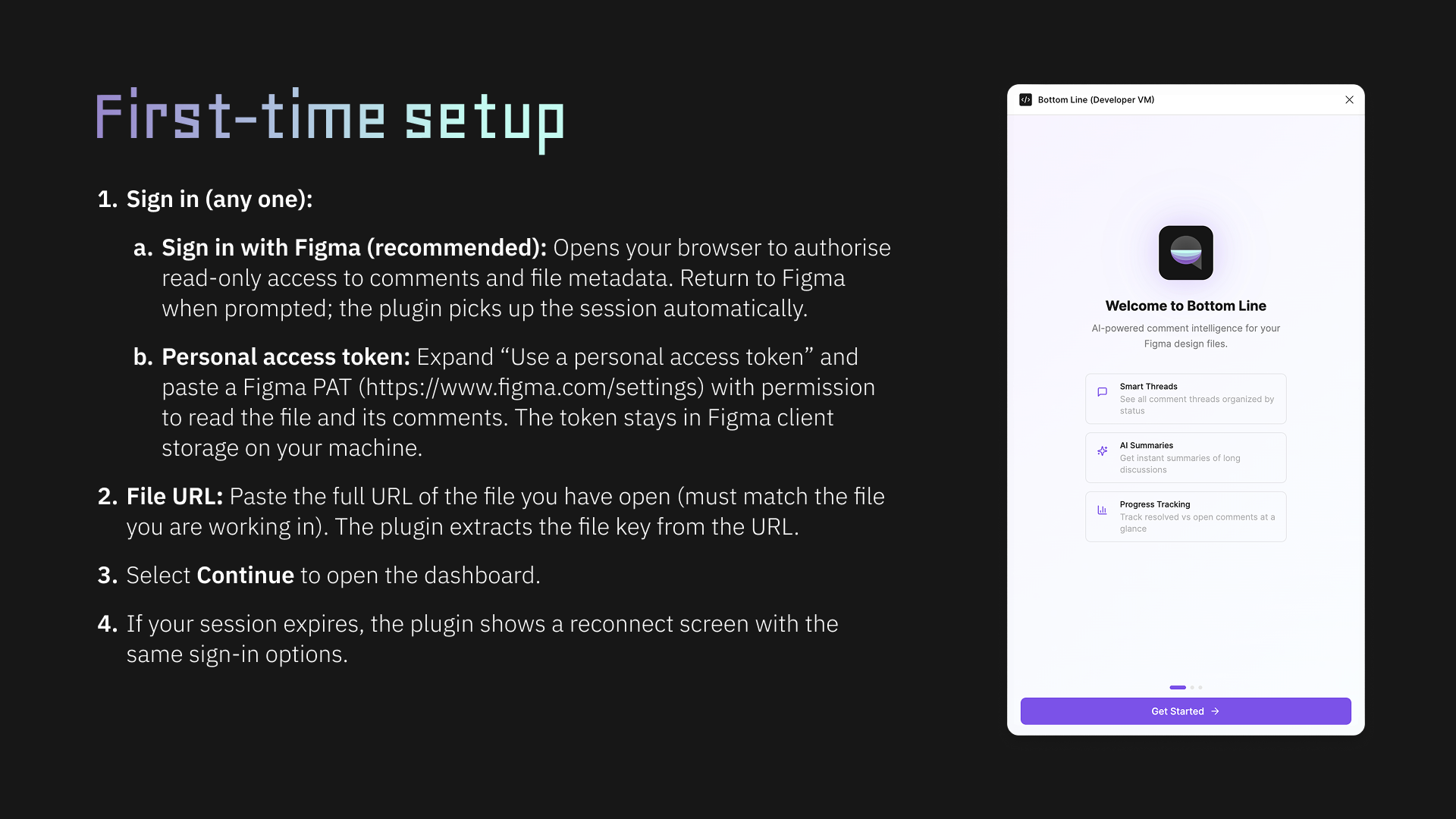
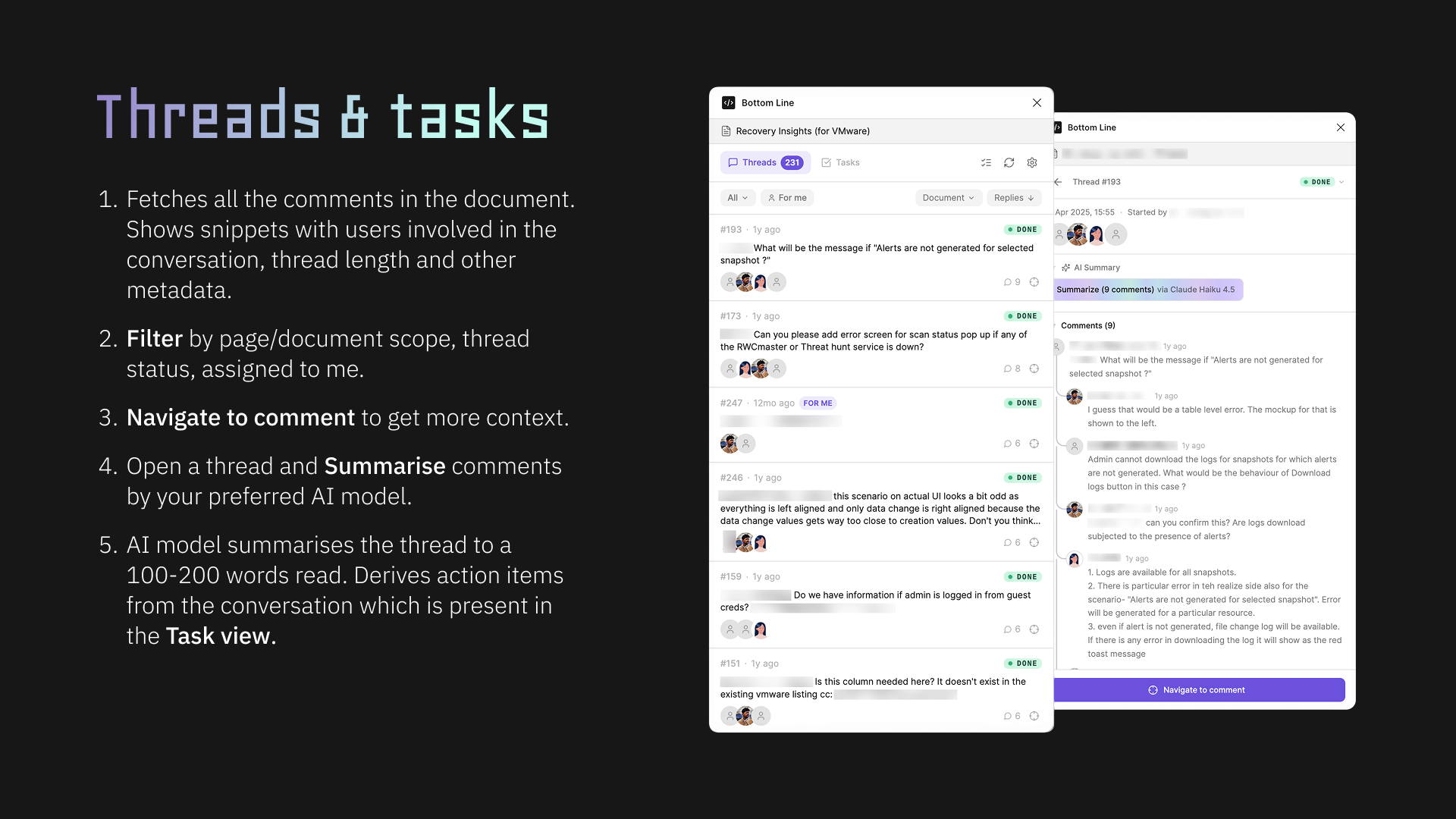
What it does:
- AI Summaries: On-demand or bulk summaries via Anthropic, OpenAI, Gemini, or custom endpoint (50–200 word limit)
- Task Extraction: Action items (revisions, approvals, blockers, questions) in a dedicated Tasks tab
- Image Analysis: Optional thread images in AI context (vision-capable providers only)
